

A free seat, on a timer nobody has to watch.
Guest / Free Play puts a patron on a public terminal in one tap, no card number typed in, no payment, and a duration cap so the session ends itself instead of running all day.
No credit card, no setup fee
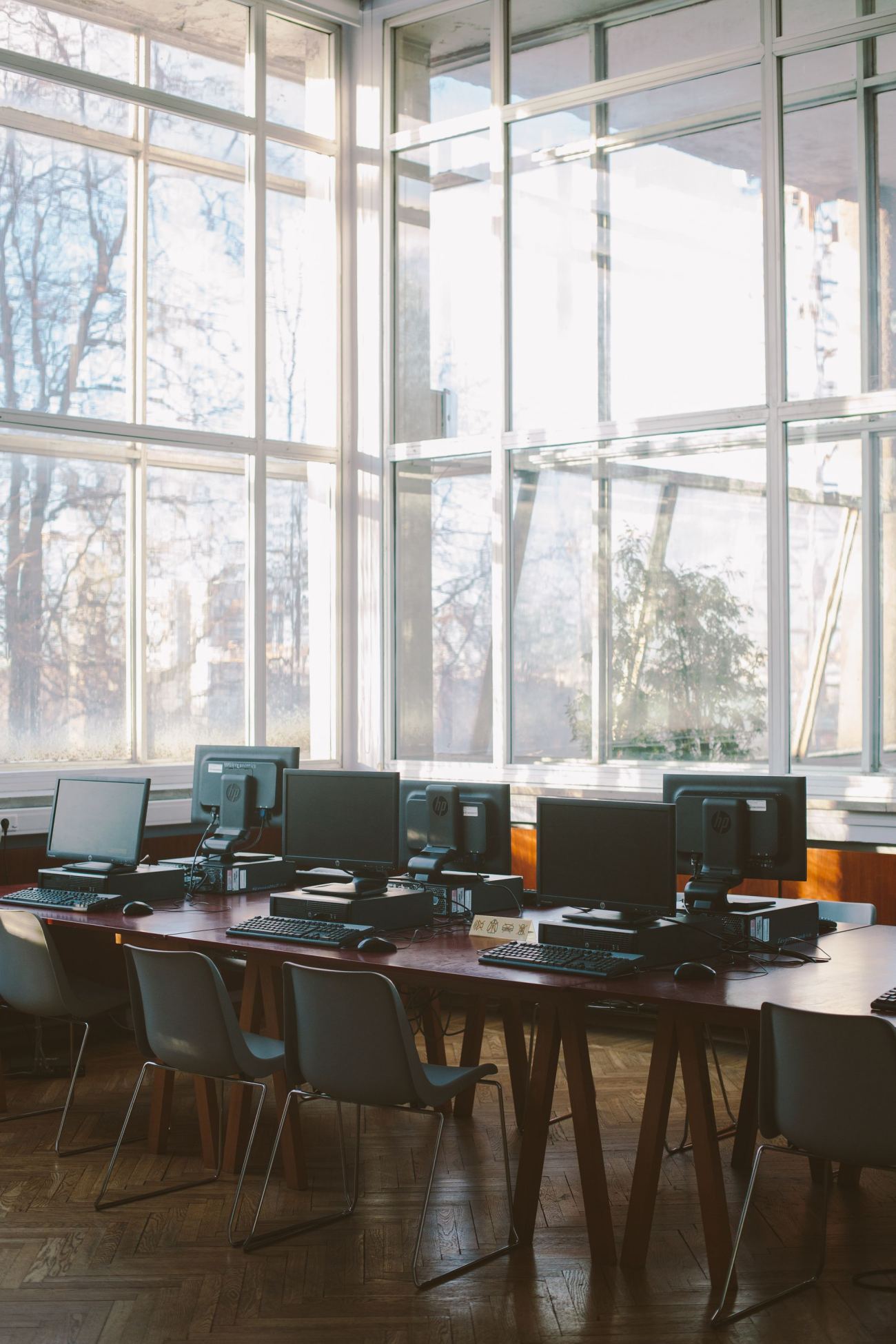
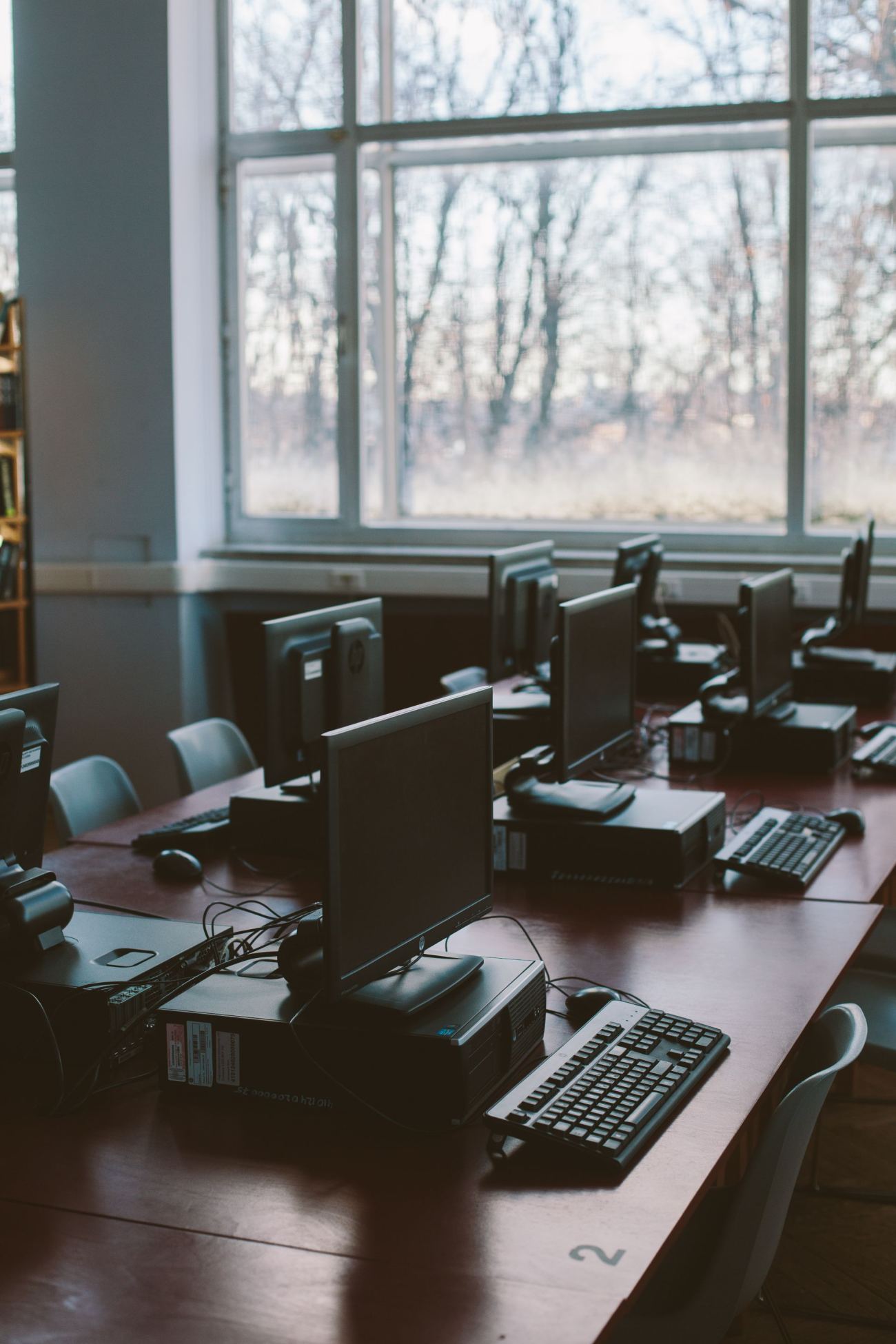
Built for Libraries
A library isn't selling time, it's making sure everyone gets a fair turn. Free Play with a duration cap does exactly that: one tap in, a timer nobody has to police by hand, and the terminal free again for whoever's next, while the library still keeps the usage numbers its board actually asks for.
Guest / Free Play, with a time cap
One Start button, no card number or password, no payment. Set a duration and the session ends itself when the time's up, freeing the terminal for the next patron.
Security Lockdown
Kiosk mode, keyboard-shortcut blocking, and Task Manager & taskbar controls keep a public terminal a public terminal, not an open desktop.
Reservations & Booking
Take bookings for a computer or a study room through a public booking page, and auto-expire unclaimed slots as no-shows.
Device Groups & Layout Zones
Separate a children's area from an adult reading room or a quiet study room, each running its own rules.
Offline Session Continuity
If a machine restarts or drops connection mid-session, it picks up right where it left off instead of stranding the patron.
Utilization Reporting
Show the board exactly how public computers get used, by machine, day, and hour, the kind of number a budget or grant renewal asks for.
Not quite your floor?
Built for other floors too.
Cyber Cafés
Floor control, POS, and F&B for the classic hourly-rate café.
See how it fitsEsports Centers
Zoned floors, booked practice slots, and console + PC on one view.
See how it fitsSchools & Universities
One-tap, free, no-account access for student computer labs.
See how it fitsHotels
Free, one-tap in-room gaming, already covered by the room rate.
See how it fitsCoworking Spaces
Desk & meeting-room booking, with BYOD seats for member laptops.
See how it fits