

One button. No password. No bill.
Guest / Free Play puts a student on a lab PC in one tap, no account and no payment, while IT still gets a live view and a full usage report on every machine.
No credit card, no setup fee
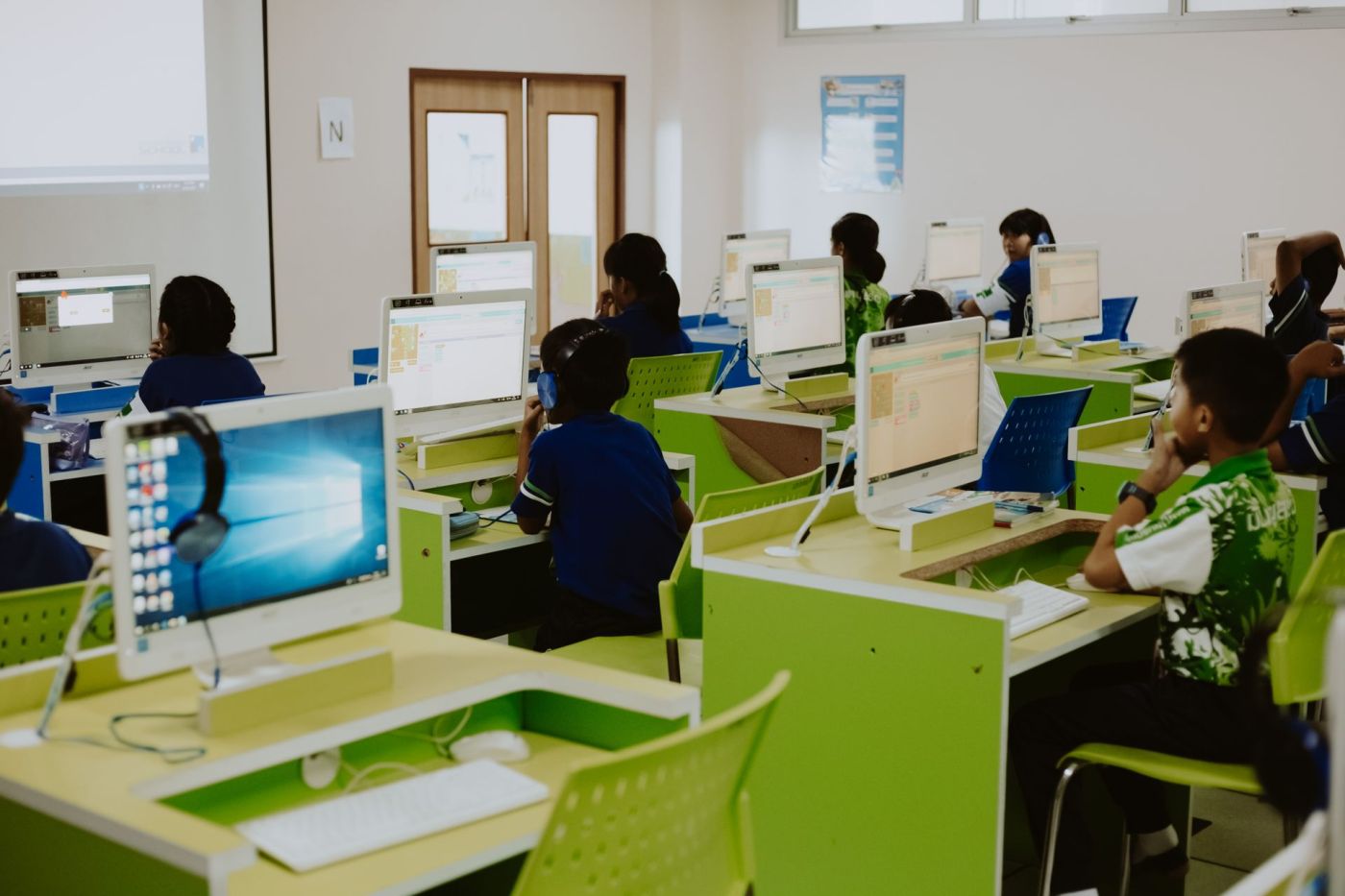
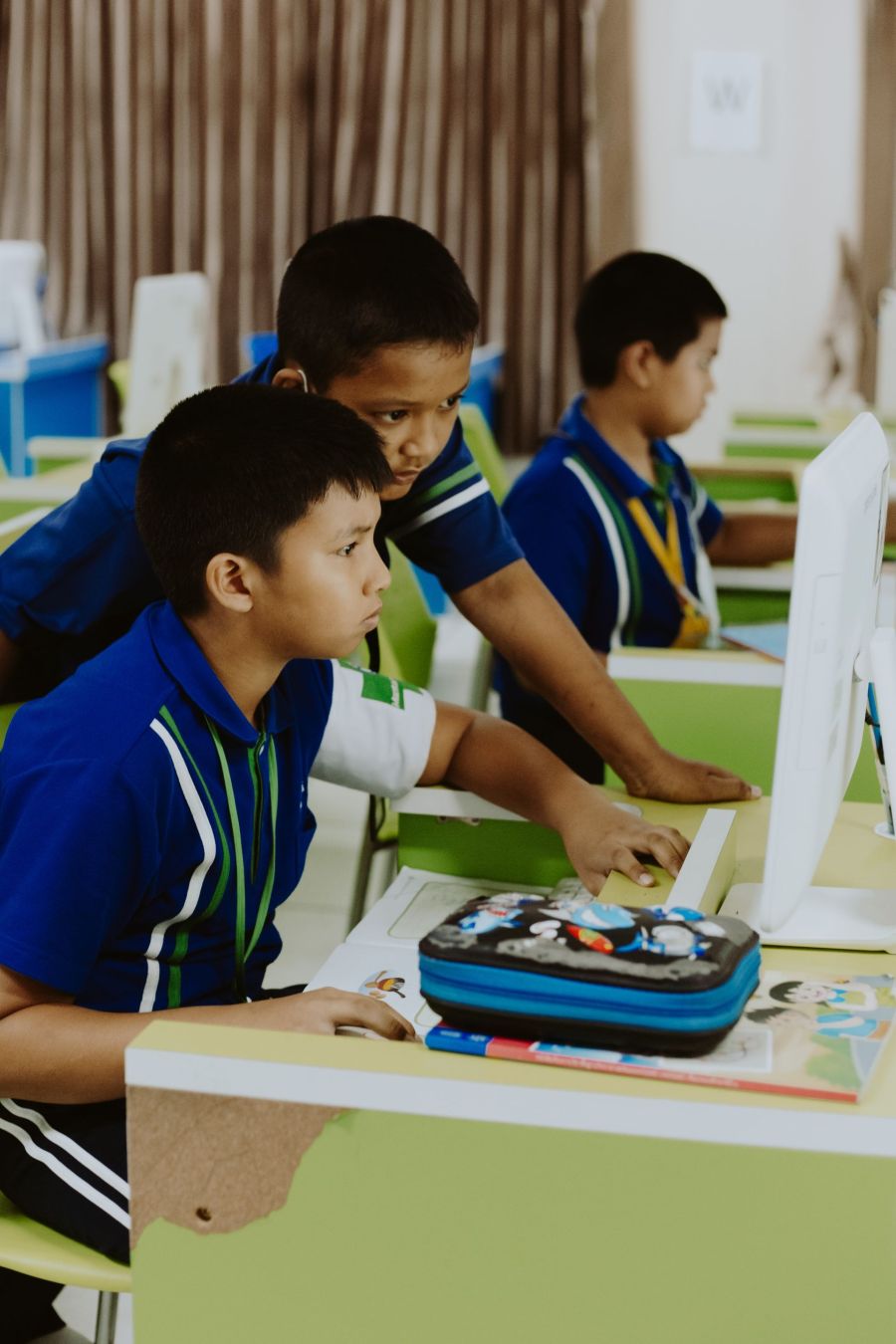
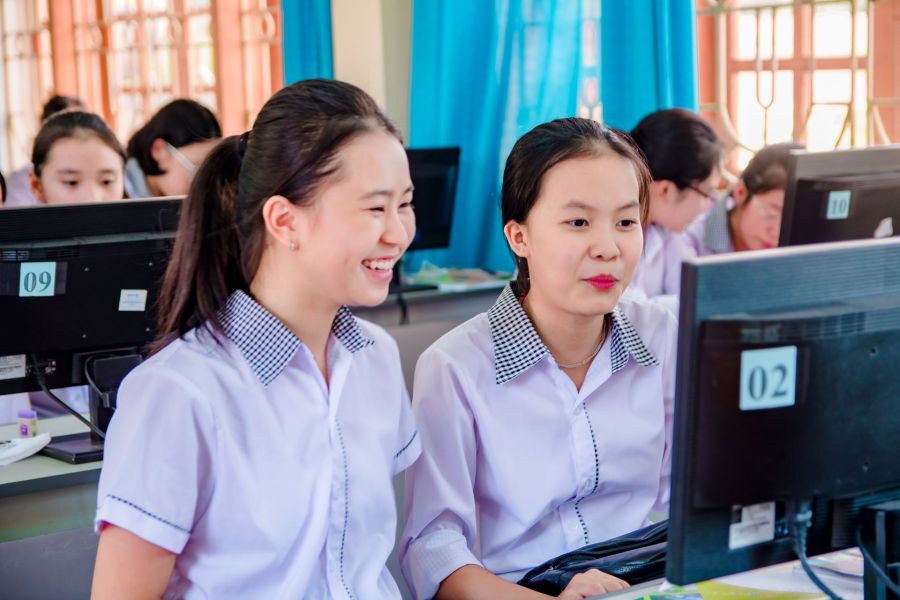
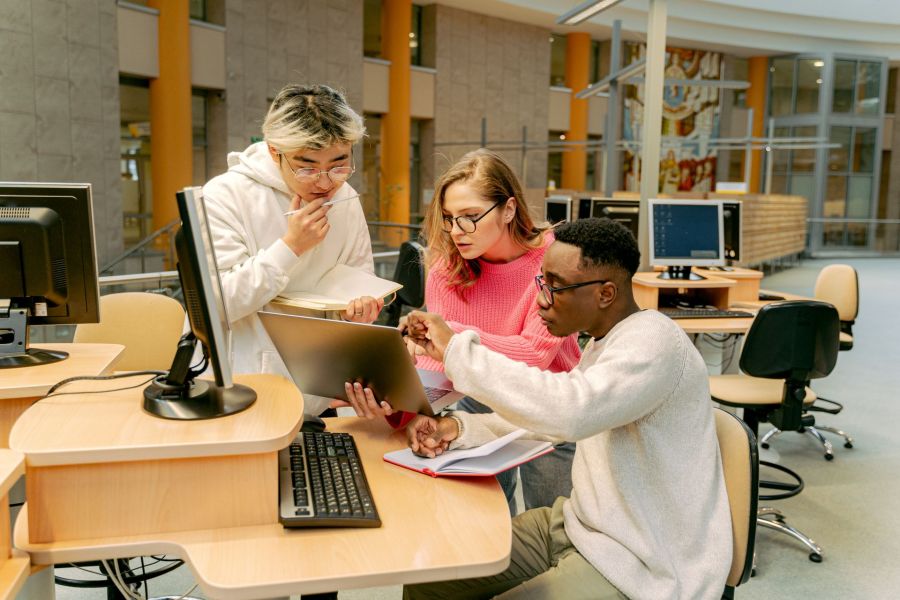
Built for Schools & Universities
A school lab has no register and no walk-up sales, it has a room full of machines that need to stay usable, stay locked down, and stay accountable to whoever runs IT. Free Play removes the login and the bill; the rest of the platform still gives staff the same live floor and reporting a paid café gets.
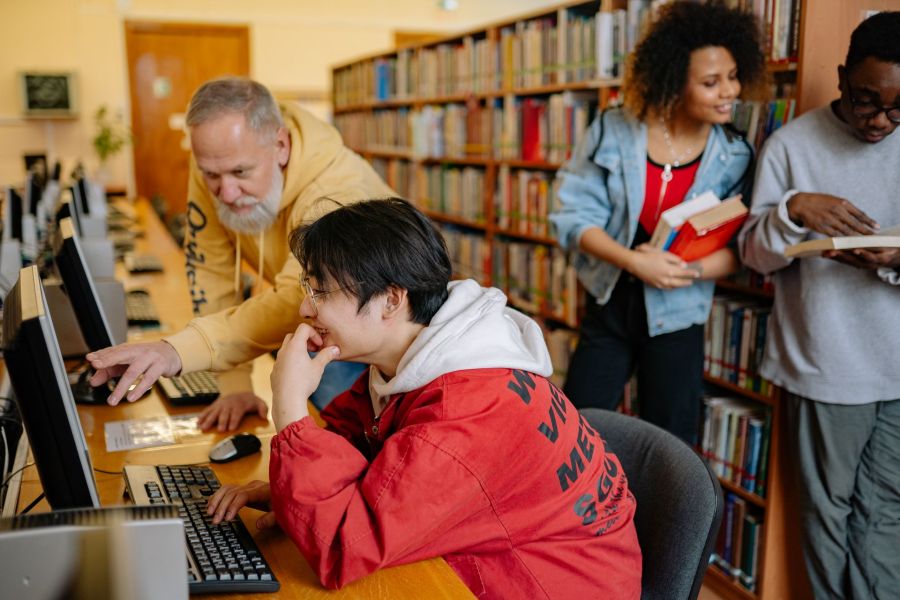
Guest / Free Play
One Start button, no username or password, and no payment either, the fastest path onto a machine the platform has.
Security Lockdown
Kiosk mode, keyboard-shortcut blocking, and Task Manager & taskbar controls keep a student inside the session instead of the desktop.
Watchdog & Start on Boot
The client restarts itself if it's killed and launches automatically after a reboot, so a lab comes back up on its own, unattended.
Device Groups & Layout Zones
Separate an open lab from a restricted testing or research room, each running its own rules.
Offline Session Continuity
If a machine restarts or drops connection mid-class, the session picks up right where it left off instead of stranding the student.
Utilization Reporting
Show the department exactly how the lab gets used, by machine, day, and hour, without walking the room to check.
Not quite your floor?
Built for other floors too.
Cyber Cafés
Floor control, POS, and F&B for the classic hourly-rate café.
See how it fitsEsports Centers
Zoned floors, booked practice slots, and console + PC on one view.
See how it fitsHotels
Free, one-tap in-room gaming, already covered by the room rate.
See how it fitsCoworking Spaces
Desk & meeting-room booking, with BYOD seats for member laptops.
See how it fitsLibraries
One-tap, free public terminals with a duration cap built in.
See how it fits